

The pulse travels down and back in 40 ms, bounces off the tank top, and heads back to the bottom.






Senix’s ToughSonic® ultrasonic sensor products are very flexible due to their programmability.
Sensors can be adjusted to work in most applications, but this same flexibility can make startup a challenge as it applies to important programmable parameters for sensors in tanks.
If a sensor is firing every 100 ms—a default value for specific ToughSonic models—there should be ample time for a sound pulse to die out before the next measurement pulse is launched.
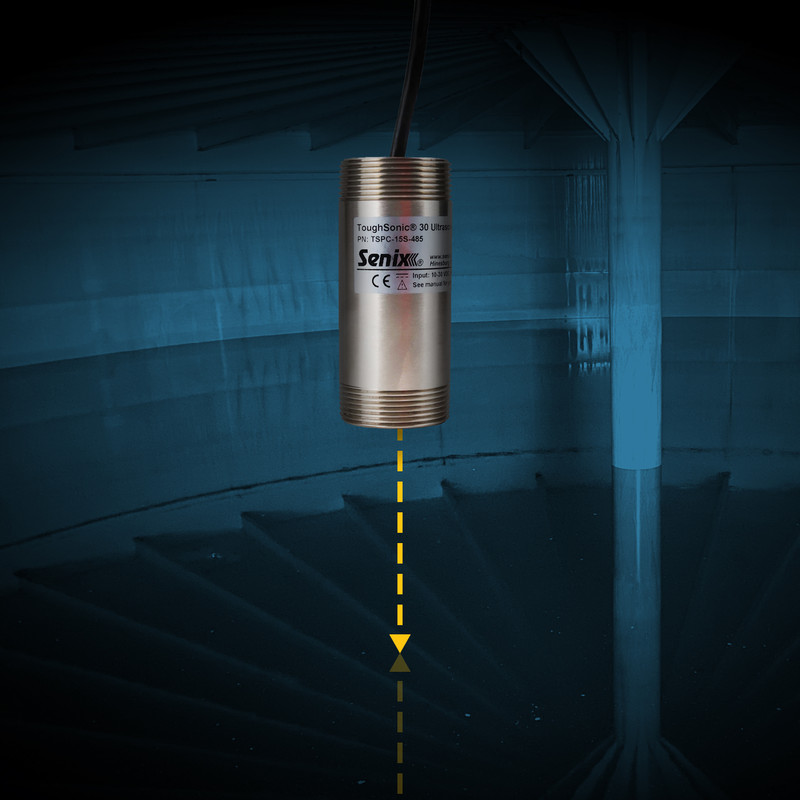
Sensors measure the distance to targets by sending out an ultrasonic sound pulse, then timing how long it takes the pulse to come back. This time is proportional to the distance as sound travels at about 1 millisecond (ms) per foot.
The repetition rate is the rate at which the sensor sends pulses and takes measurements. The further the distance, the more time required for the sound wave to travel to the target and back.
In a 20-foot tank, it will take 20 ms for the sound to get to the bottom of the tank and 20 ms for the sound to travel back to the sensor, for a total trip time of 40 ms.
However, tanks tend to contain sound energy. In closed tanks, the tops can act as sonic reflectors. If a ToughSonic sensor was set to measure every 50 ms in a 20 ft. tank, the user may run into difficulty.
Here's an example of how misconfigured ultrasonic sensors may behave in a tank application, resulting in inaccurate liquid level measurements.
The pulse travels down and back in 40 ms, bounces off the tank top, and heads back to the bottom.

Partway into the secondary return path, the ultrasonic sensor launches another measurement.

The first pulse bounces off the bottom again and heads back to the sensor, arriving before the second.
The first emitted pulse will be weak, but may still be detected. The result is an incorrect measurement.
In closed-top tanks, this can happen up to four times, so the sensor must wait for all these reflections to dampen out. To do this, the user needs to set the rep rate to three or four times the travel time of the sound, depending on how much the sound echos.
In this example, you could try a rep rate of 20 x 3 = 60 ms or more. It is always safe to pick a slow rep rate to start with—such as 500 ms—and work your way down.
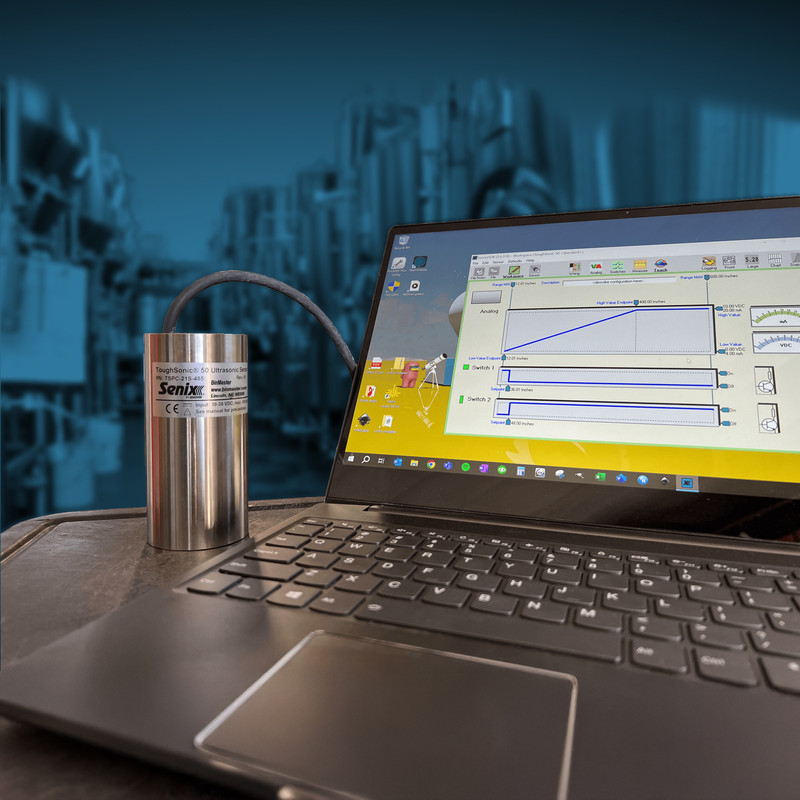
SensorView™ software can be used to adjust the parameters of ToughSonic ultrasonic sensors for accurate level measurements. This includes the customization of filters, sensor power, gain, and transmit power.
SensorView enables users to customize over 80 parameters of ToughSonic sensor settings. Many of these adjustments can help tailor a sensor to its tank level application.

Turbulence & Filters
Filters are highly adjustable and can be used to mitigate the effects of turbulence within a tank. Users can implement "slow-fast" and input filters to ignore stirrers and waves.

Sensor Power
Adjust the overall power level for reliable measurement in larger tanks. Longer distances and smaller targets may require more ultrasonic wave "pulses."

Gain Settings
Gain is the equivalent of sensitivity for ultrasonic sensors. Customize standard settings for free-air applications or use of a stilling tube.

Overcoming Foam
Ultrasonic sensors will respond to the first surface reflection when there is foam on top of a liquid. Using a stilling tube will help avoid the impact of the foam.
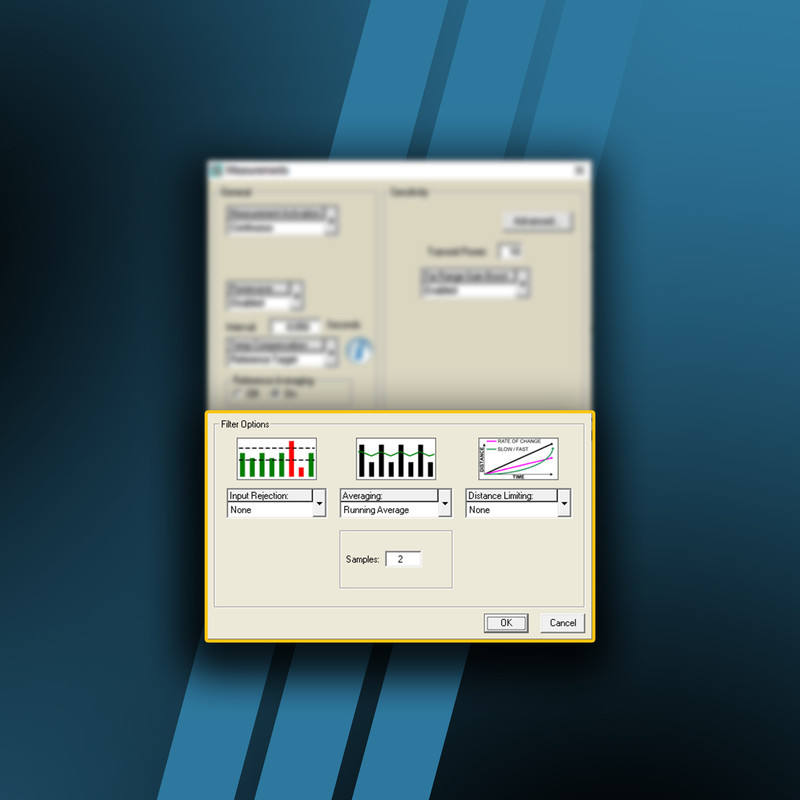
In general, tank levels change slowly. SensorView software allows you to invoke filters, which are stored in sensor firmware.
These filters allow sensors to ignore waves that arise from filling or stirring processes in mixers, vats, or tanks with agitators.
In general, taking a running average of 50 or 100 readings every 5–10 seconds will provide stable, consistent tank level readings.
The “slow-fast” filter will ignore repetitive turbulence from stirrers. Input filters permit selecting maximum or minimum readings in a sequence to deal with waves.
Once the sensor configuration is determined in SensorView and stored in the sensor, a computer is no longer necessary. Data can be logged, or analog signals metered, with the full effect of filtering.
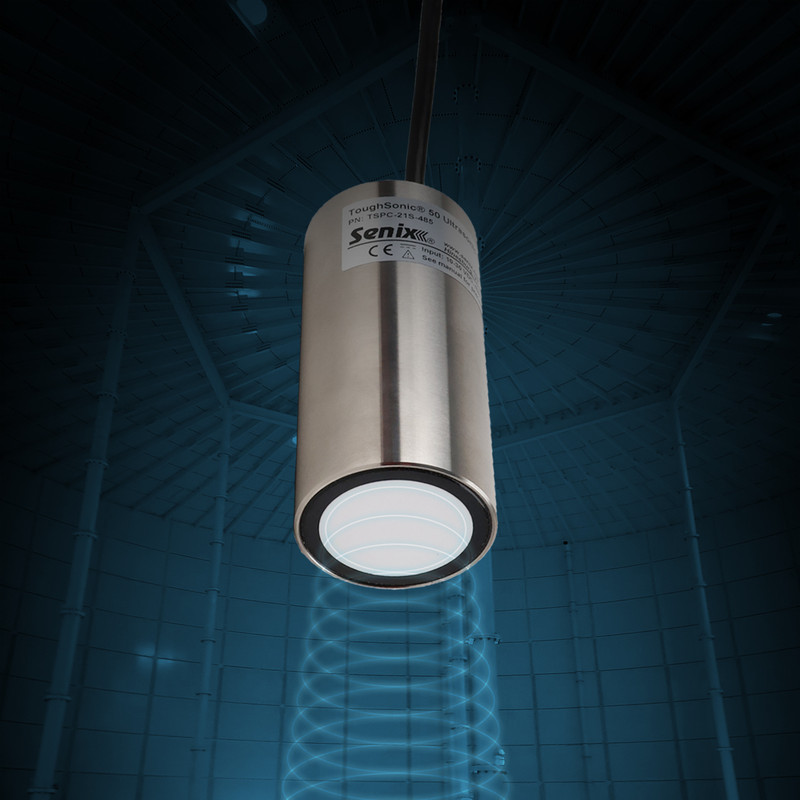
A burst of 10 pulses is the default factory configuration for all ToughSonic ultrasonic sensors.
By increasing or decreasing the number of pulses, you change the overall power level of the measurement.
For longer distances and smaller targets, more pulses may be needed. Shorter distances and larger targets may not need as much energy for reliable measurement.
Measuring a short distance? You can shorten the deadband effect of the ToughSonic sensor by reducing the number of pulses to one or two. Smaller targets at this distance may require more power.
Another option to mitigate this effect is using Senix's 90 Degree Adaptor for a lower-profile mounting. The deadband distance is contained inside the adaptor, allowing for measurement to the top of the tank.
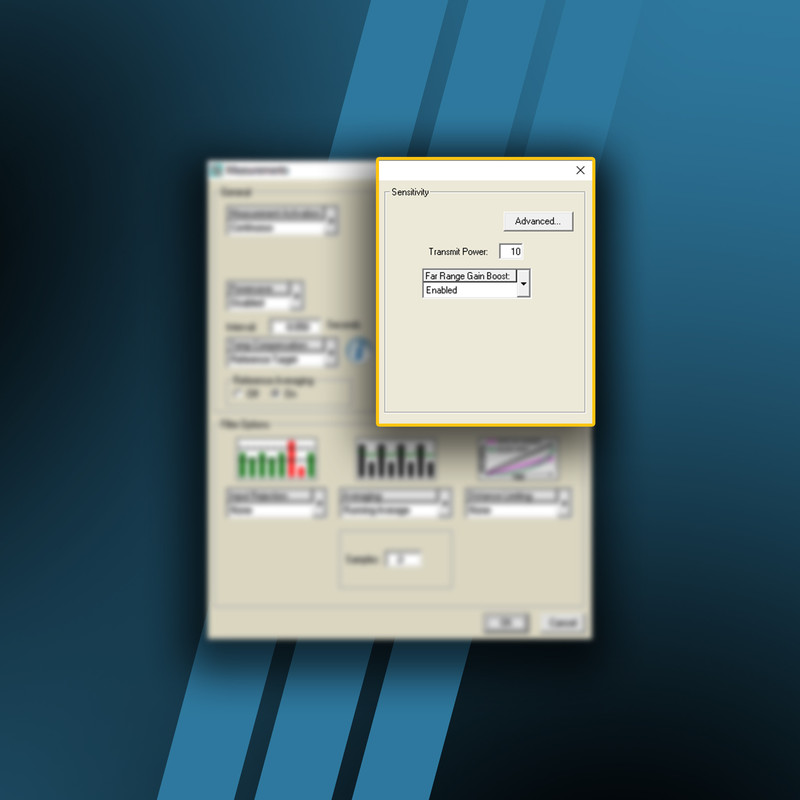
The gain is the second variable in configuring the transducer. Sensitivity is set in SensorView in the same quadrant as the transmit power.
There are several standard settings for uses in free-air applications or stilling tubes.
In addition, custom gain settings permit you to optimize settings for your specific distance—or, in this case, optimizing the ultrasonic sensor for precise performance according to the unique vessel specifications.
Tank level measurements can get tricky. If you need assistance, don’t hesitate to contact the Senix support team. We’re happy to help!